
Reminder Wallpaper
app
what is? why?
This web app was created more out of a personal need than as an idea. Reminder app, Calendar, Notes… none of them helped me to remember constantly what I needed to do, what my to do’s were. Since I’m always with my phone at hand, I needed something that appeared right in the center of my screen every time I faced the phone at my face to unlock it. So? A wallpaper is the solution! That’s what this web app does. A simple, plain, html page where you just enter what you need to do, and it automatically creates the photo of the exact dimensions of the screen that is using the page at that moment, so it’s perfect for every display, phones, tablets, computers and even smart watches. Although, every time, the user needs to save the picture/file created and then upload it as a wallpaper, but it’s just a click of 2 buttons it total.
how do i use it?
(step 1) be sure to visit the website in the right device you want the wallpaper to be applied to. (step 2) create your to do list and click continue. (step 3) the file gets created: [phone/tablet] add it as a picture to your photos app. [pc/mac] open the file manager to view the downloaded file. (step 4) add the created photo/file as a wallpaper.
icon & logotype
The icon was firstly made on Adobe Illustrator/Affinity Designer, a very simple design, but it wasn’t very necessary to the project. The SVG was then imported to Apple’s “Icon Composer” app, to give the icon’s elements the depth achievable only in the new IOS26 liquid glass effect.
logo

logotype
typography & colors
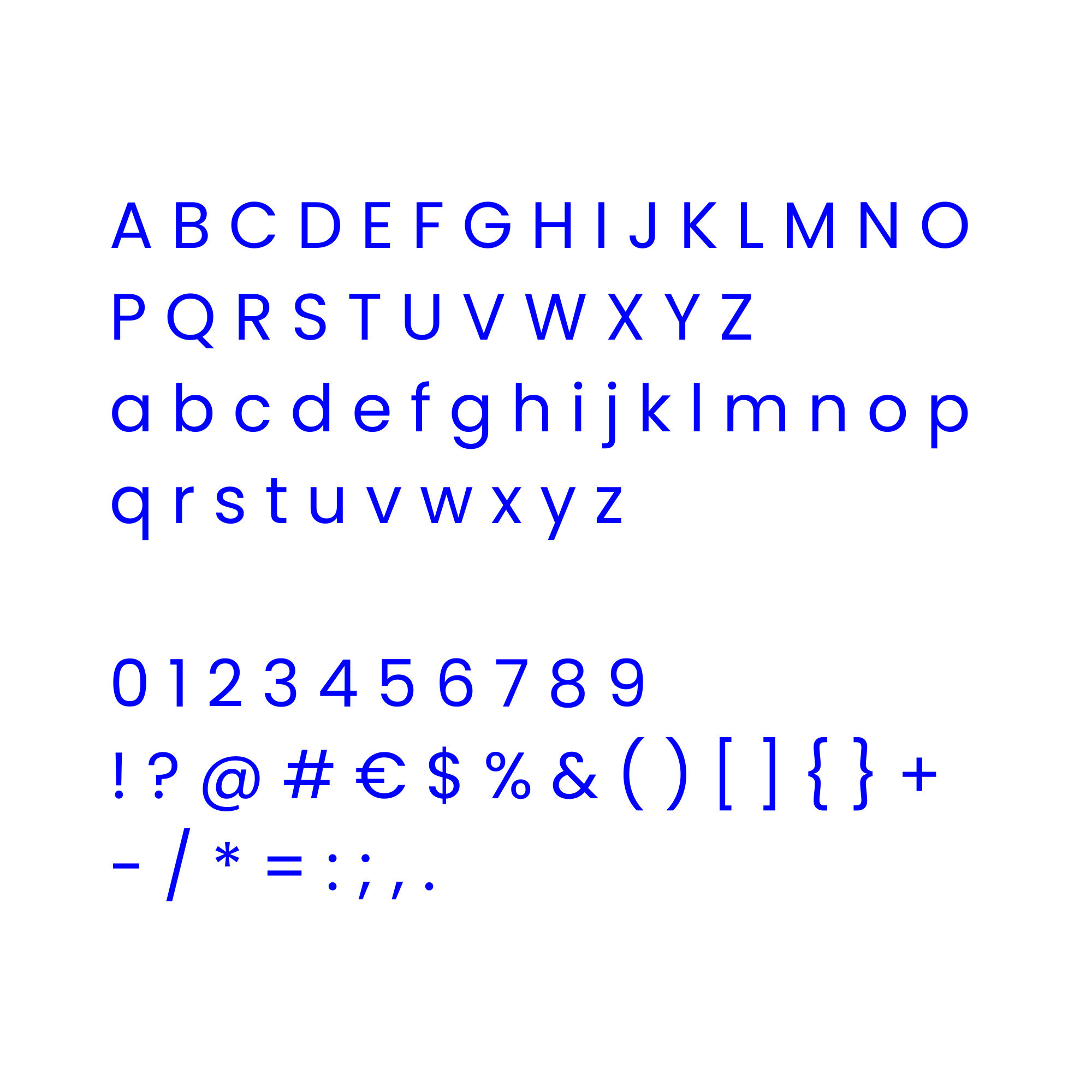
Poppins - Typography
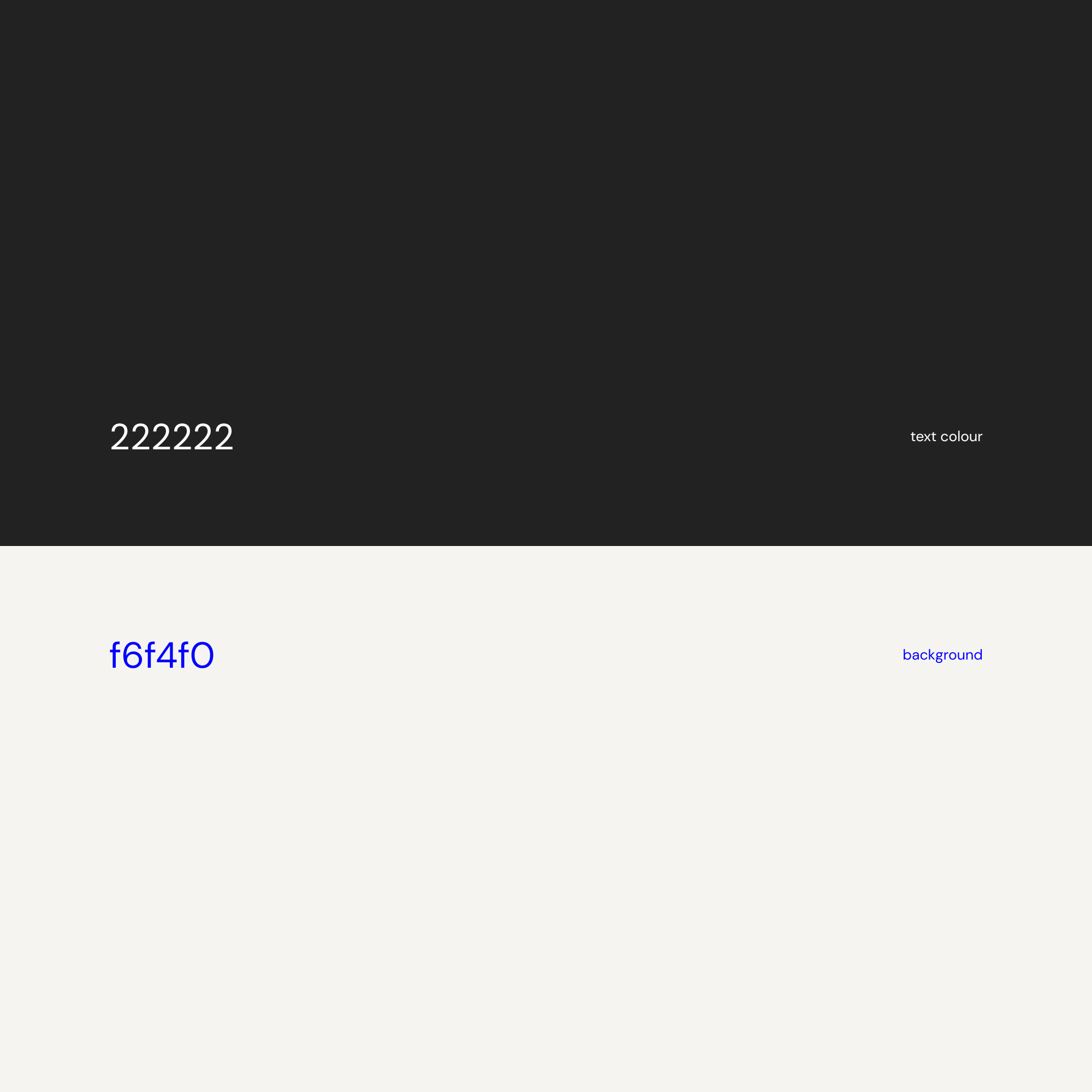
color palette
scroll for more